initial inspiration came from this Reddit post from about a year ago
Current Hardware Suggestion for Mac:
- Mac with Apple Silicon M1 or M2
- recommended CPUs: M1, M1 pro, M1 max, M2, M2 pro and M2 max
- Ideally 16GB memory or more
- Downside: runs slower on mac
- Alternative: A similarly priced Windows PC with a dedicated GPU will be faster
Apps
- Draw Things App
- apple app
- supports extensive list of models and inpainting
- easy to install & a good set of features
- features not as extensive as AUTOMATIC1111
- Diffusers App
- DiffusionBee
- AUTOMATIC1111
- advanced GUI
- Can also run Stable Diffusion on Google Colab with AUTOMATIC1111 (need a paid plan for this now)
Decided to use AUTOMATIC1111
How to install AUTOMATIC1111 on Mac
- Install Homebrew (package manager for Mac)
/bin/bash -c "$(curl -fsSL https://raw.githubusercontent.com/Homebrew/install/HEAD/install.sh)"- Install required packages (open new terminal)
brew install python@3.10 git wget- Clone the webui repository
git clone https://github.com/AUTOMATIC1111/stable-diffusion-webui- Run AUTOMATIC1111
cd ~/stable-diffusion-webui;./webui.shInstall Stable Diffusion ControlNet in AUTOMATIC1111
- Navigate to Extensions page
- Select the Install from URL tab
- Copy the URL below in URL for extension’s repository field
https://github.com/Mikubill/sd-webui-controlnet- Click the Install button
- Wait for the confirmation message for installation
- Restart AUTOMATIC1111
- Visit the ControlNet models page
- Download all model files (filename ending with
.pth) - Put the model file(s) in the ControlNet extension’s models directory
stable-diffusion-webui\extensions\sd-webui-controlnet\models- Restart AUTOMATIC1111 webui
What is ControlNet?
A neural network that controls image generation in Stable Diffusion Model by adding extra conditions.
ControlNet adds an additional conditioning to the text prompt used for Stable Diffusion.
- Edge detection
- Human pose detection
Preprocessor and Model will be adjusted in ControlNet panel to adjust the settings for future use.
Anime Models and prompts
- common to adjust Clip Skip and VAE settings
- enable them in Quick Settings
- Settings page
- User Interface (on left panel)
- Quicksettings List
- Add: CLIP_stop_at_last_layers & sd_vae
- Clip Skip: “allows for the skipping of certain pixels or blocks during the compression process, resulting in faster and more efficient compression. By reducing the amount of data that needs to be processed, Clip Skip contributes to improved compression performance. In the context of stable diffusion, Clip Skip helps in minimizing artifacts and enhancing the overall quality of the generated images.”1
- VAE (variational autoencoder): “part of the neural network model that encodes and decodes the images to and from the smaller latent space, so that computation can be faster.”2
- fine details better recovered
- helps render eyes and text
- Apply Settings and restart web-ui
- enable them in Quick Settings
Anime checkpoint models
- anime models are specially trained to generate anime images
Anything XL
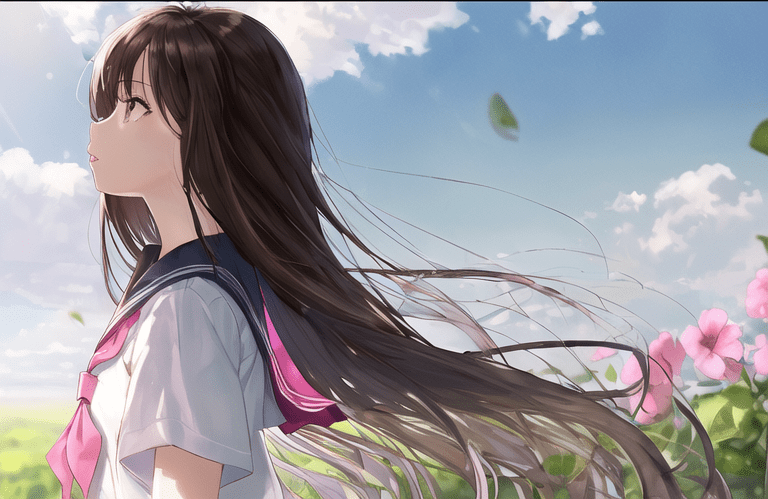
- Prompt: (masterpiece, best quality),1girl, solo, flower, long hair, outdoors, letterboxed, school uniform, day, sky, looking up, short sleeves, parted lips, shirt, cloud, black hair, sunlight, white shirt, serafuku, upper body, from side, pink flower, blurry, brown hair, blue sky, depth of field3
- Size: 768×512
- Seed: 2912044817
- Sampler: DPM++ 2M Karras
- CFG Scale: 7
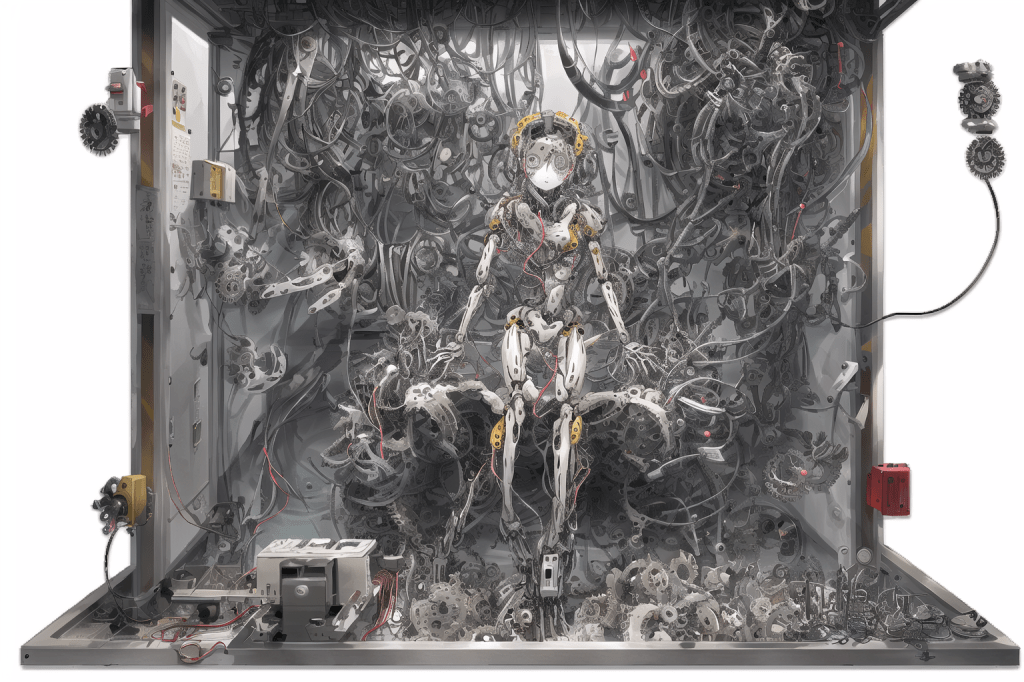
- Prompt: 1girl, masterpiece, best quality, sitting, full body, indoors, (1 mechanical girl locked on a hanger:1.5),(transparent surfaces and skins:1.5),(many mechanical gears and electronic components inside the body:1.4),(mechanical vertebra and cervial:1.3), solo, expressionless,(wires and cables attaching to head and body:1.4),(mechanical arms of surgical machine around:1.2),(Circuit boards:1.4),(character focus:1.3),science fiction
- Clip Skip: 2
- Initial image quality bad (blurry) -> Hires. fix solution
- Sampler: DPM++2M Karras
- Sampling steps: 30
- Size: 768 x 512
- Hires.fix (enable) -> get a clearer image, color pops out more, get more details
- upscale by: 2
- upscaler: Latent
- denoising: 0.6
- (Another HiRes Fix setting that works well)
- Upscale by: 2
- Upscaler: R-ESRGAN 4x+
- Denoising: 0.2 – 0.5
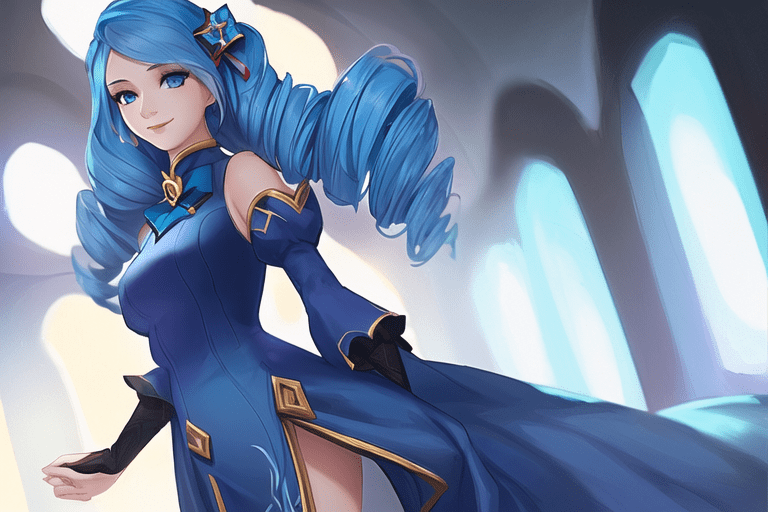
- Prompt: (masterpiece, best quality), extremely detailed, ambient soft lighting, 1girl, solo, standing, gwen (league of legends), blue hair, long hair, twin drills, black bow hair ornament, blue eyes, looking at viewer, smile, white dress, navy lined bottom dress, juliet sleeves
- Negative prompt: disfigured, deformed, ugly
- Sampler: DPM++2M Karras
- Size: 768 x 512
- Sampling steps: 20
- CFG scale: 7
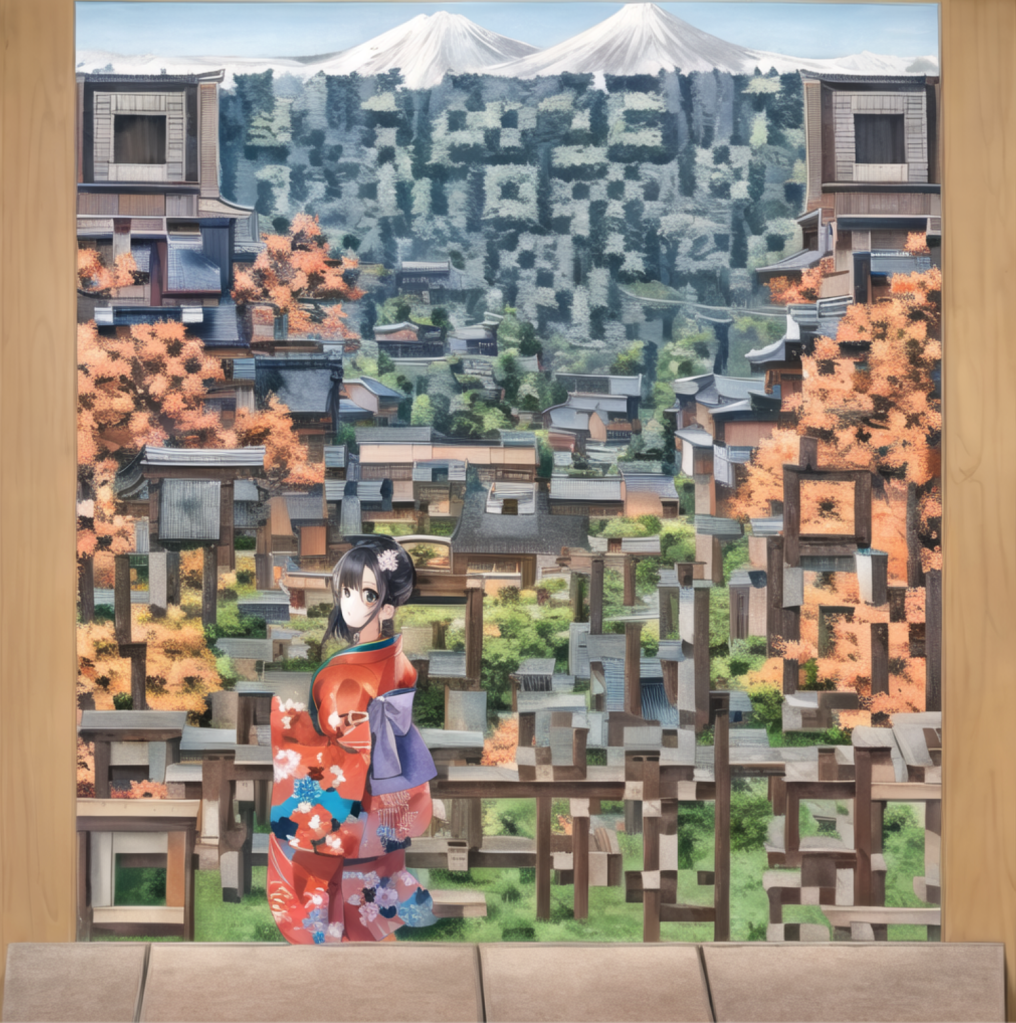
- Features setting and process for QR code art will be further explained in another post
 Elements of Michelle
Leave a comment